Policies & Campaigns
Here you manage the documents that define how your organisation works — and prove people have read them. Policies feed the AI's triage context; campaigns turn policy publication and access certification into tracked, evidenced workflows.
Policies
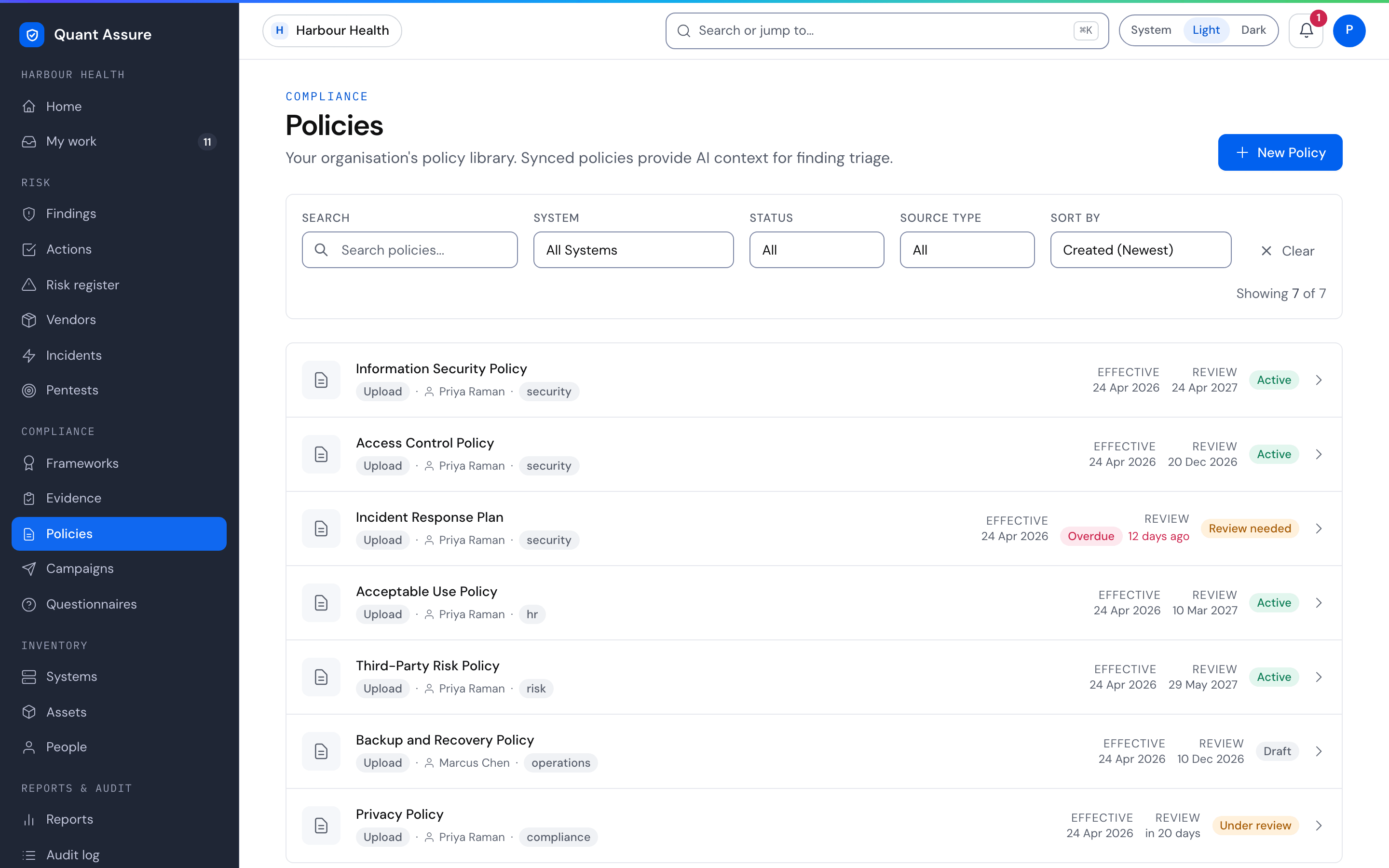
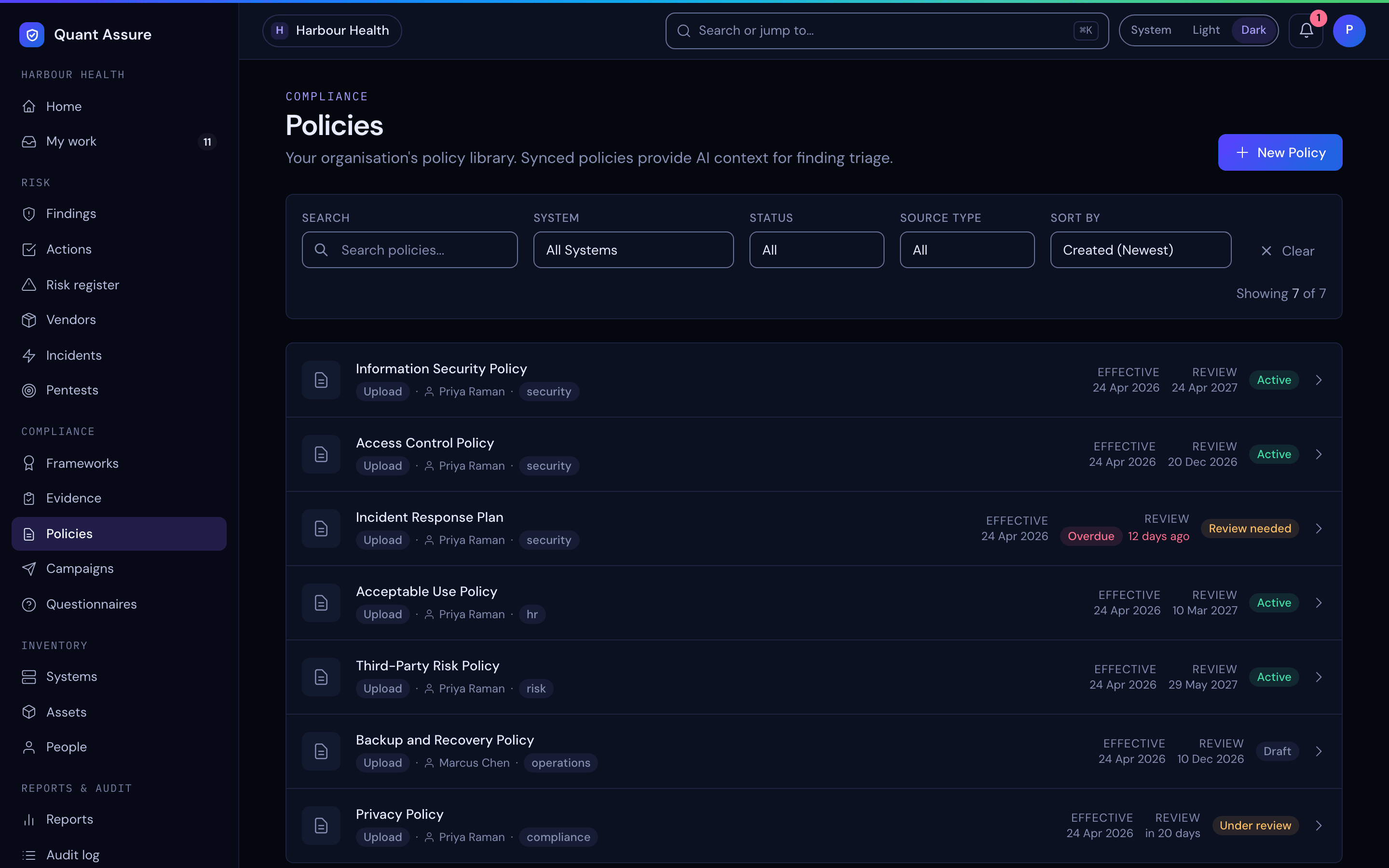
Policies are first-class objects: import them from Google Drive, or create them in the dashboard. Each policy has a version history, a review due date, and acknowledgement tracking. Policies also feed the AI — triage decisions cite your policies as context, which is part of what makes reclassifications defensible.
Adding Policies
- In the dashboard: Compliance → Policies → New Policy. The Blank Policy tab asks for a policy name, optional policy ID and version, a category (Security, Privacy, Acceptable Use, Data Management, Incident Response, Access Control, Human Resources or Other), a status (Draft, Under Review or Active), a description, a policy owner, an effective date and a review due date. You can link the policy to your compliance frameworks and attach the policy document (PDF, Word or Markdown, up to 10MB). The From Template tab starts from a ready-made policy instead.
- Google Drive sync: configure a Drive folder on a system and documents are imported and kept in sync — see the Google Workspace integration. A folder can be connected to only one organisation, and it syncs only when it is owned or editable by a member of your organisation (or an account on your admins' email domain)
Review Cycles and Lifecycle
- Each policy has a Review due date. Once it passes, the policy list and the policy page mark it Overdue. A policy linked to a framework also shows how often that framework expects a review ("Review every 365 days", unless the framework sets another).
- Status moves are limited: Draft can go to Under Review, Active or Archived; Under Review to Active or back to Draft; Active to Under Review or Archived; Archived back to Draft. Editors see the moves available on the policy page.
- Linked policies appear as evidence for related ISM controls
Keep policies current and well-tagged. The more context the AI has about your organisation's security stance, the better its severity assessments.
Campaigns
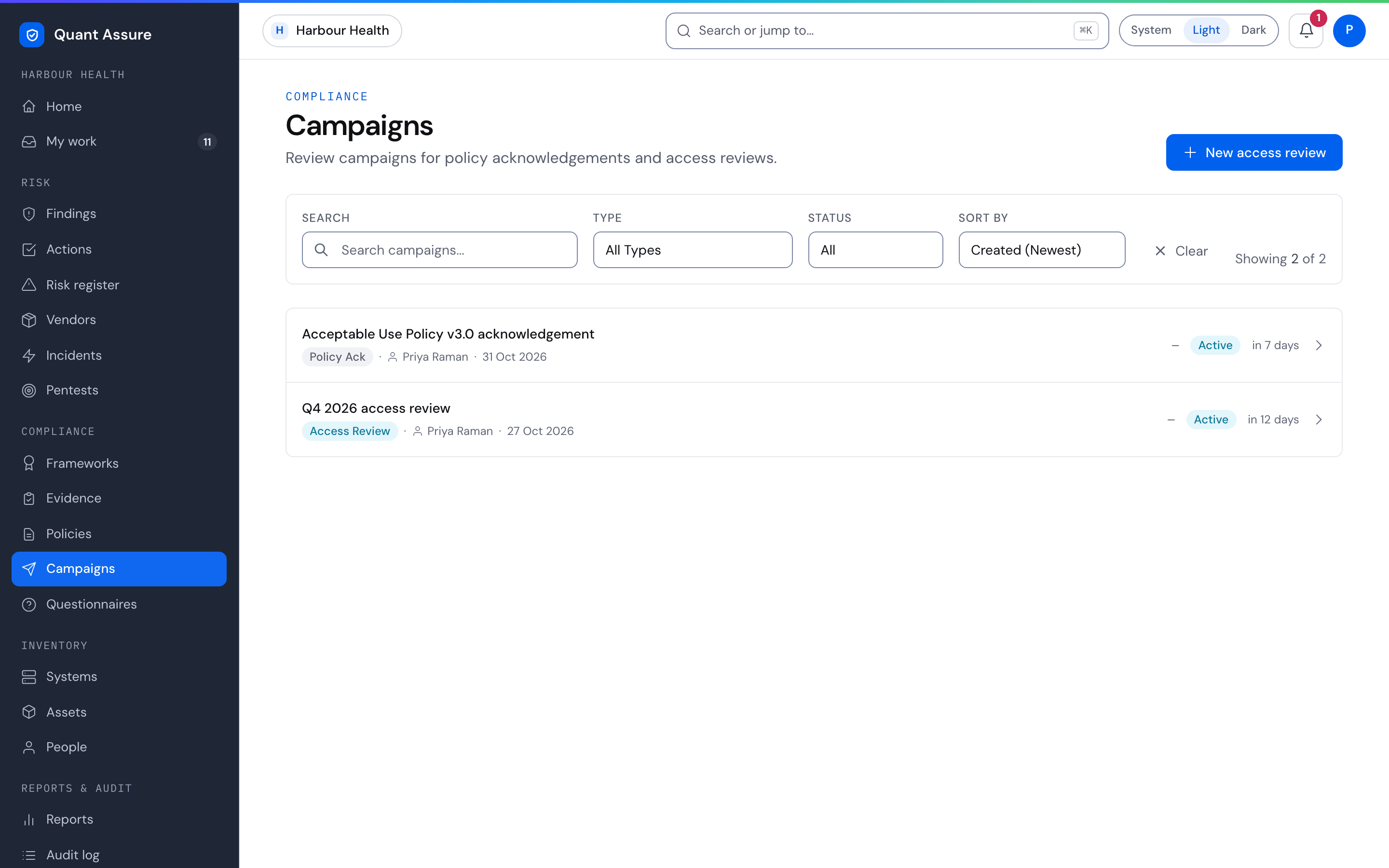
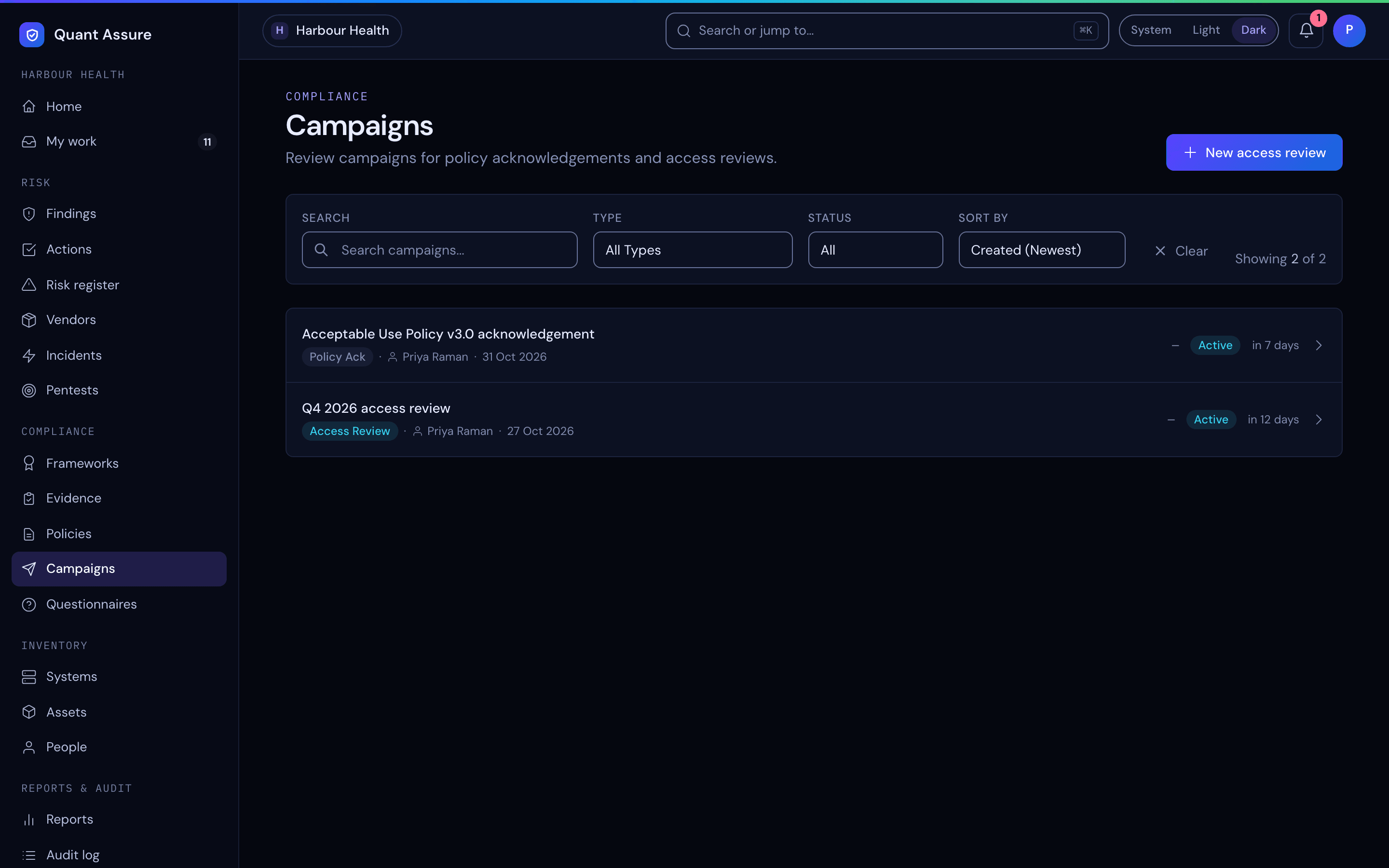
Campaigns are bounded review efforts targeting specific people:
- Policy acknowledgement — publish a policy, launch a campaign, and track who has read and acknowledged it. Acknowledgements are stored as evidence (who, when, which version) and exportable via the Policy Acknowledgements report.
- Access review — reviewers certify, revoke, or flag each person's access across your connected systems. People are drawn from identity data collected by your integrations (Google Workspace, GitHub), correlated by email — including people who never log into QuantAssure. Revocations automatically create findings so the actual de-provisioning is tracked to completion.
Campaign progress, reminders, and completion are handled for you: participants are notified through your configured channels, reminders go to stragglers, and the campaign closes itself when every item is decided.
A campaign sent to all members targets the members your organisation includes in staff campaigns. Partner staff and auditors who are not included in staff campaigns are not enrolled and are left out of completion figures.